
CHUG Charlestown User Group
Co-Leader Ann MacKay
Co-Leader Hope Tillman
Ann MacKay started the Apple Charlestown User Group in March 2013 to offer monthly programs geared to Apple devices. Hope Tillman, a co-leader with Ann, started basic hands-on help with a Technology User Group for beginners and novice users of both Apple Mac/iOS products and PC/Android products. CHUG is both a registered Apple user group for residents with Apple products and a Windows/Android user group for residents with Windows and Android products.
CHUG meets monthly except for August and December.
The website is https://chug.info Check the website for the latest meeting announcement.
Google groups (CCI-CHUG@googlegroups.com) is used for a private email list for meeting announcements and other information. Call one of the leaders to get on the mailing list
This group is for residents who want to develop comfort with technology using laptops, computers, smartphones, tablets, and other devices. Learn something new or refresh your memory.
Basic help will be offered twice a month, and Apple programs on new applications and updates will continue once a month.
All events will be advertised on one flyer.
Contact Information: See the Resident Directory for contact information
| Schedule | Times | Focus | Location |
|---|---|---|---|
| 1st Monday | 11:00 AM – 12:00 PM | Apple Help | Brookside Classroom 1 |
| 2nd Monday | 11:00 AM – 12:00 PM | PC/Android Help | Brookside Classroom 1 |
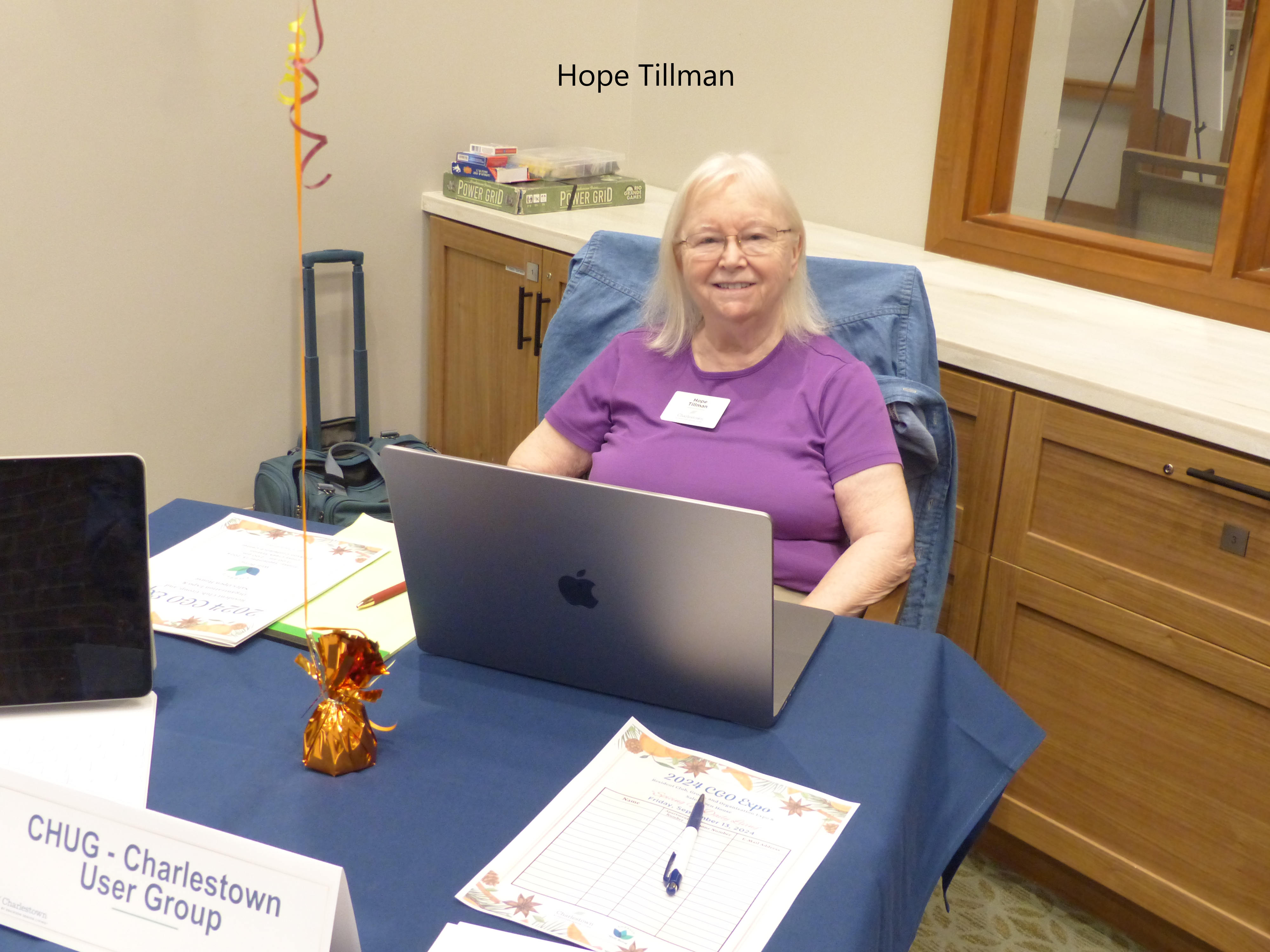
CHUG table at CGO Expo September 2024
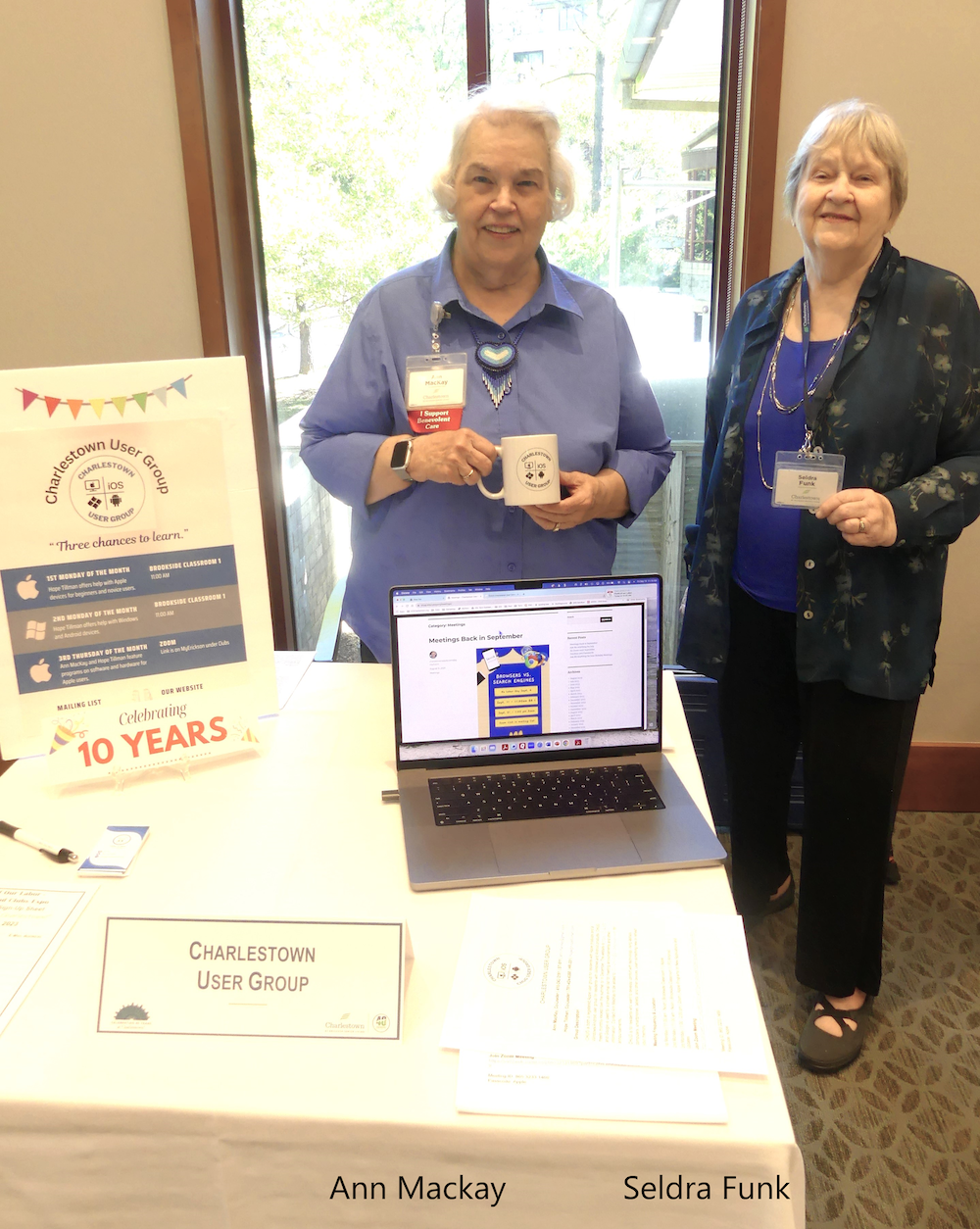
CHUG table at Fruits of our Labors September 2023
Trust/Believe NOBODY and NOTHING on the Internet without checking – Apple CHUG

If you use websites, you will want to attend this program with two resident experts Thursday, January 20, 2022, at 1 PM on ZoomAI Companion is a generative AI-powered assistant from Zoom (for those with the paid version). It uses large language models from OpenAI, Anthropic, and Meta, and has also trained itself by listening in on thousands of meetings between Zoom employees. Some of its uses include:
• Summarizing... READ MORE. This program is not Apple-specific, so any computer or tablet user is invited to attend.
Trust /Believe NOBODY and NOTHING on the internet without checking.
How to do it!
Topics will include:
• protecting yourself from remote access scams – how to pick the best/reputable tech support sites
Hope Tillman, retired academic business librarian, and Internet consultant, will present the topic. She now serves as a web developer and webmaster for CCICharlestown.org, genealogy club leader, and technologist for Windows and Apple operating systems.
• fighting against misinformation using fact-checking sites like FactCheck.org and Snopes.com
• picking reliable medical information sites
Bart Cobert, MD, FACP, FACG, consultant in drug safety (DS) and pharmacovigilance (PV), will present the topic. He served 30 years in the pharmaceutical industry at senior levels and was a founding member and working group chair in the International Council for Harmonisation.
Contact Ann MacKay to get on the mailing list or the ZoomAI Companion is a generative AI-powered assistant from Zoom (for those with the paid version). It uses large language models from OpenAI, Anthropic, and Meta, and has also trained itself by listening in on thousands of meetings between Zoom employees. Some of its uses include:
• Summarizing... READ MORE link to the meeting. Contact information can be found in the Resident Directory, available on MyErickson.