Last Updated on September 23, 2026
Wi-Fi Calling

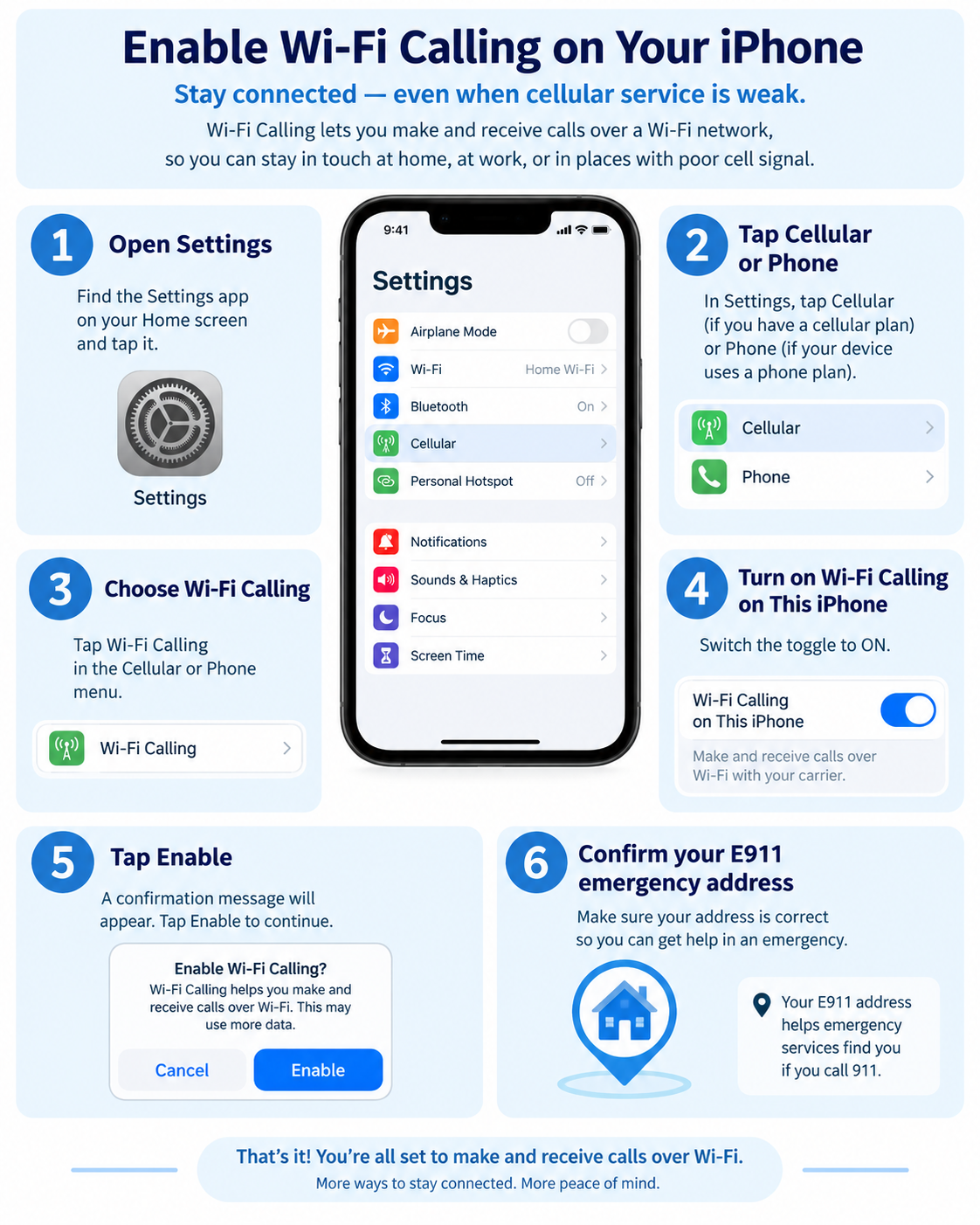
iPhone Setup Steps
- Open the Settings app.
- Tap Cellular or Phone (depending on your iOS version).
- Select Wi-Fi Calling.
- Toggle on Wi-Fi Calling on This iPhone.
- Tap Enable on the pop-up notification.
- Enter or confirm your E911 emergency address for 911 services.
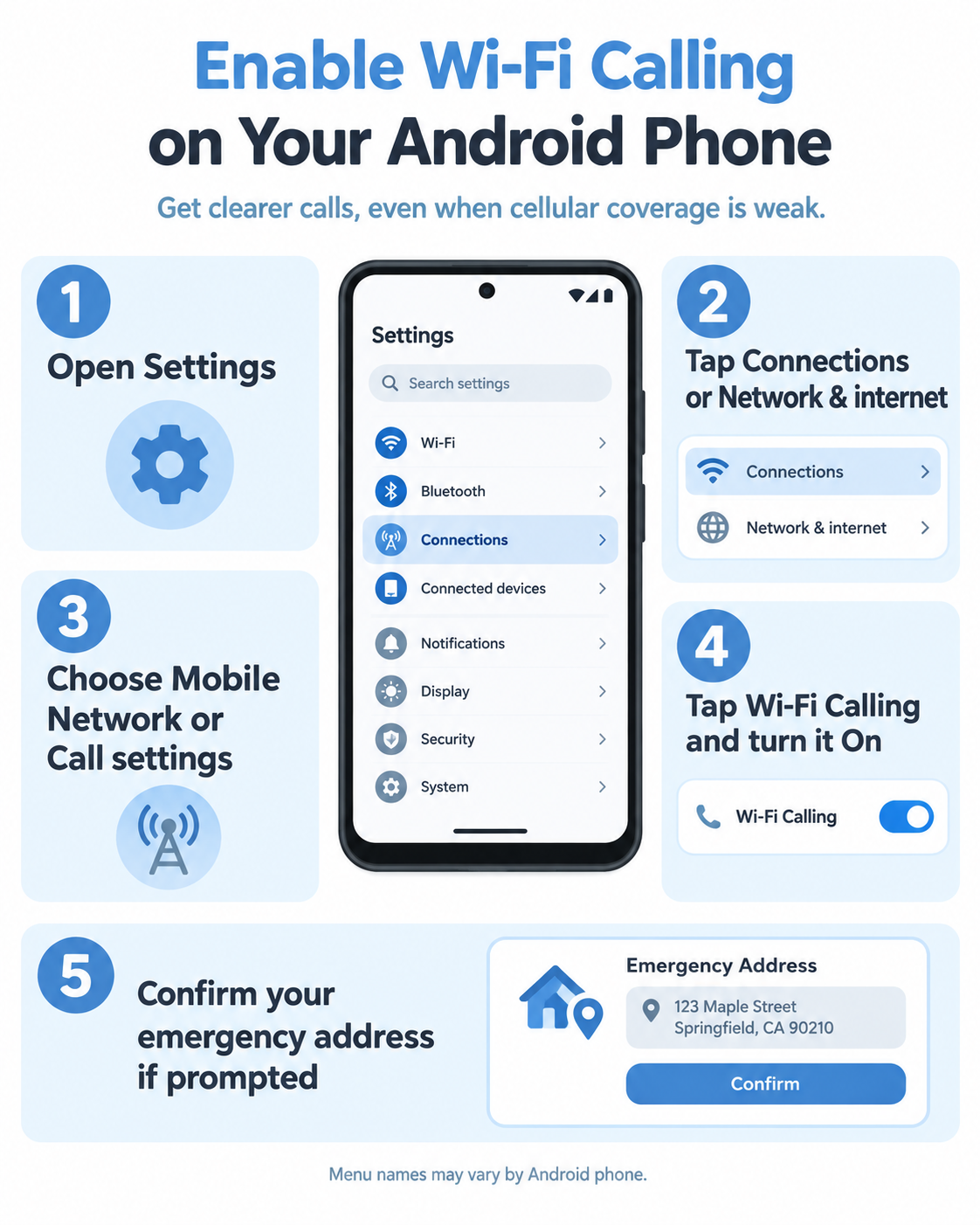
Android Setup Steps
- Open the Settings app.
- Tap Connections or Network & internet (varies by device).
- Select Mobile Network or Call settings.
- Tap Wi-Fi Calling and toggle the switch to On.
- Enter or confirm your emergency address if prompted.